
Download RoboVPN – Free Secure Browsing, Fast & Private VPN for Windows, Mac, Android, iOS
RoboVPN is a powerful, secure, and user-friendly VPN software designed for individuals who value online privacy and unrestricted internet access. Whether you're browsing on a Windows PC, Mac, Android smartphone, or iOS device, RoboVPN ensures your data stays encrypted and your identity anonymous. With over 3,200 high-speed servers across 16 countries—including Brazil, South Africa, the US, and the UK—RoboVPN allows you to bypass geo-restrictions, access blocked content, and shop for products at lower prices based on regional pricing. The app is lightweight, fast, and optimized for background use, so you can stream, game, or transfer files without lag. Although it’s free to download, RoboVPN requires account creation and subscription selection to unlock full features. Despite this, its combination of strong encryption, split tunneling, kill switch protection, and affordable premium plans makes it a top contender among free-to-use secure browsing tools.
Key Features of RoboVPN – What Makes It Stand Out?
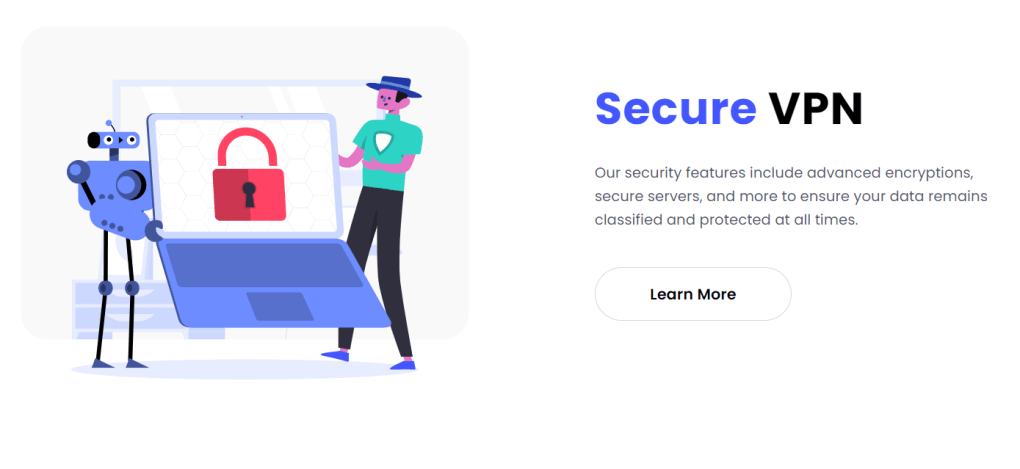
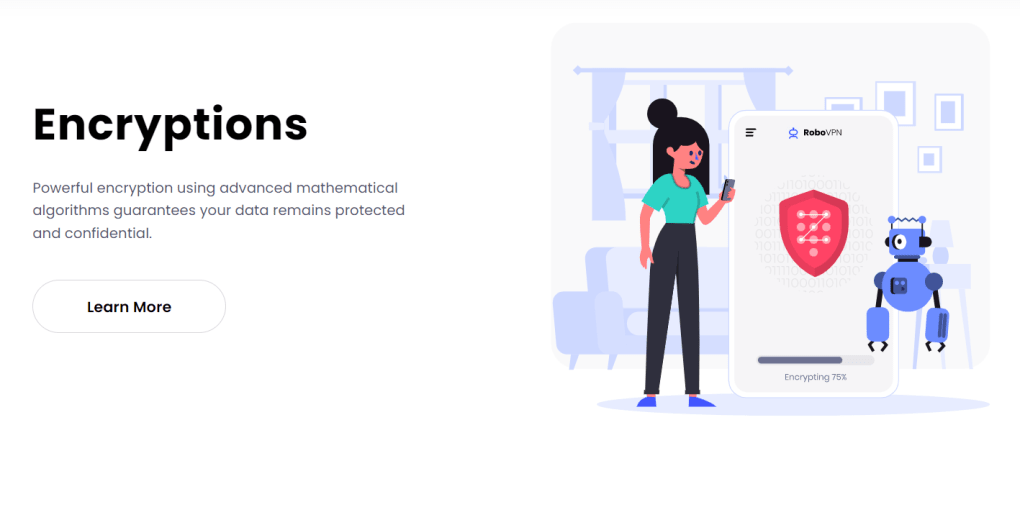
RoboVPN stands out in the crowded VPN market thanks to its robust feature set and focus on user privacy. One of its most impressive features is its extensive global server network, spanning over 3,200 servers in 16 countries. This allows users to connect to locations around the world with minimal latency, ensuring smooth streaming, fast downloads, and seamless gaming experiences. Whether you're trying to access region-locked Netflix content, read international news, or bypass internet censorship, RoboVPN delivers reliable access. Another standout feature is its advanced security suite. RoboVPN uses military-grade encryption (AES-256) to protect your data from hackers, ISPs, and surveillance agencies. The kill switch feature automatically cuts your internet connection if the VPN drops, preventing any accidental data leaks. This is especially critical when using public Wi-Fi networks in cafes, airports, or hotels—common hotspots for cyber threats. Additionally, split tunneling lets you choose which apps use the encrypted connection and which run on your regular network, offering flexibility for users who need both speed and privacy. The app also supports automatic startup connection, so your device is always protected when you turn it on. With a one-click connect feature, RoboVPN intelligently selects the fastest server for you, eliminating the need to manually choose locations. The clean, intuitive interface makes navigation easy, even for beginners. You can save favorite servers, switch between locations instantly, and monitor your connection status in real time. For users concerned about data usage, RoboVPN offers both free and premium plans—though the free version comes with data caps and limited server access. Upgrading to a premium plan removes these restrictions and unlocks unlimited bandwidth, faster speeds, and full server access.How to Install and Use RoboVPN on Any Device
Installing and using RoboVPN is straightforward and beginner-friendly across all major platforms. For Windows and Mac users, visit the official RoboVPN website and download the installer for your operating system. Once downloaded, run the file and follow the on-screen instructions. The setup process takes less than a minute. After installation, launch the app, create a free account using your email, and choose a subscription plan—either free (with limitations) or a premium plan starting at $3.99/month. For Android and iOS users, head to the Google Play Store or Apple App Store, search for “RoboVPN,” and tap “Install.” Once installed, open the app, sign in with your account, and begin connecting. The mobile interface is sleek and responsive, with large buttons and clear indicators for connection status. The app also supports automatic connection on startup, so your device is protected the moment you power it on. To connect, simply tap the “One-Click Connect” button to join the fastest available server. Alternatively, browse the list of countries and select a specific location. You can also save frequently used servers for quick access. For advanced users, the settings menu allows you to enable split tunneling, activate the kill switch, and customize connection preferences. The app runs efficiently in the background without draining battery or slowing down your device, making it ideal for long sessions. RoboVPN also offers excellent customer support. If you encounter any issues, go to the “Help” section within the app, enter your email and message, and a support representative will respond promptly. While there’s no public FAQ page, the support team is responsive and helpful. Overall, the installation and usage process is seamless, secure, and designed with both new and experienced users in mind.Compatibility & System Requirements
RoboVPN is designed to work smoothly across a wide range of devices and operating systems. It is fully compatible with Windows 7 and later, including Windows 10 and Windows 11. For Mac users, RoboVPN supports macOS 10.14 (Mojave) and higher, ensuring compatibility with both Intel and Apple Silicon (M1/M2) Macs. The app is lightweight and optimized for performance, consuming minimal RAM and CPU, so it won’t interfere with gaming, video editing, or other resource-intensive tasks. On mobile, RoboVPN is available for Android 6.0 (Marshmallow) and above, and for iOS 12 and later. The mobile app is regularly updated to support the latest OS versions and improve security. It integrates well with Android’s built-in privacy features and iOS’s App Tracking Transparency framework, ensuring compliance with modern privacy standards. The app also supports multiple device connections under a single account, allowing you to install RoboVPN on your laptop, smartphone, tablet, and even smart TV (via compatible apps or routers). This makes it ideal for families or users who manage multiple devices. Additionally, RoboVPN offers a browser extension for Chrome and Firefox, extending protection to your web browsing sessions even when the main app isn’t running. Whether you’re using a high-end gaming PC or an older smartphone, RoboVPN adapts to your device’s capabilities. It doesn’t require powerful hardware to function, making it accessible to a broad audience. The app also supports automatic updates, so you always have the latest security patches and performance improvements. With strong cross-platform support and a focus on accessibility, RoboVPN ensures you can stay safe and private no matter where you are or what device you’re using.Pros and Cons of RoboVPN – Is It Worth It?
- Pros:
- Over 3,200 servers in 16 countries for global access
- Military-grade AES-256 encryption for maximum security
- Fast speeds and low latency, ideal for streaming and gaming
- Split tunneling and kill switch for enhanced privacy
- Lightweight and efficient—won’t slow down your device
- Available for Windows, Mac, Android, iOS, and browser extensions
- One-click connect and automatic startup protection
- Affordable premium plans starting at $3.99/month
- Cons:
- Free version has data caps and limited server access
- No public FAQ page—reliance on email support
- Account creation and subscription required for full features
- Some users report occasional server downtime in less popular regions
- Interface could be more customizable for advanced users
Frequently Asked Questions (FAQ)
- Is RoboVPN really free to download? Yes, RoboVPN is free to download from the official website and app stores. However, to access full features like unlimited data and all server locations, you must sign up and choose a paid subscription plan.
- Can I use RoboVPN on multiple devices? Yes, you can install RoboVPN on multiple devices—including Windows, Mac, Android, and iOS devices—using a single account. This makes it ideal for families or users with several gadgets.
- Does RoboVPN keep logs of my online activity? No, RoboVPN has a strict no-logs policy. It does not store or monitor your browsing history, IP addresses, or connection timestamps, ensuring your privacy is fully protected.
- How fast is RoboVPN compared to other free VPNs? RoboVPN delivers fast and stable speeds, especially on premium plans. It outperforms many free competitors due to its optimized server network and efficient encryption protocols.
- Can I use RoboVPN to access Netflix or other streaming platforms? Yes, RoboVPN can help you access region-restricted content on Netflix, Hulu, BBC iPlayer, and other streaming services. However, availability may vary depending on the server location and platform updates.